One account, every screen.
Now on Google Play for Android. On iPhone and desktop, use the web app with the same account.

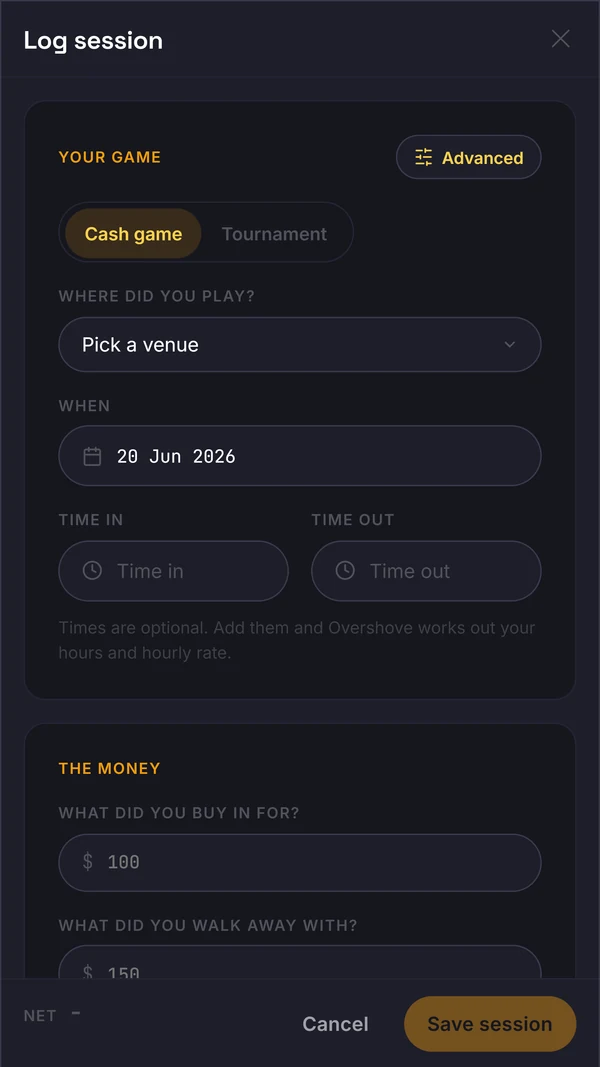
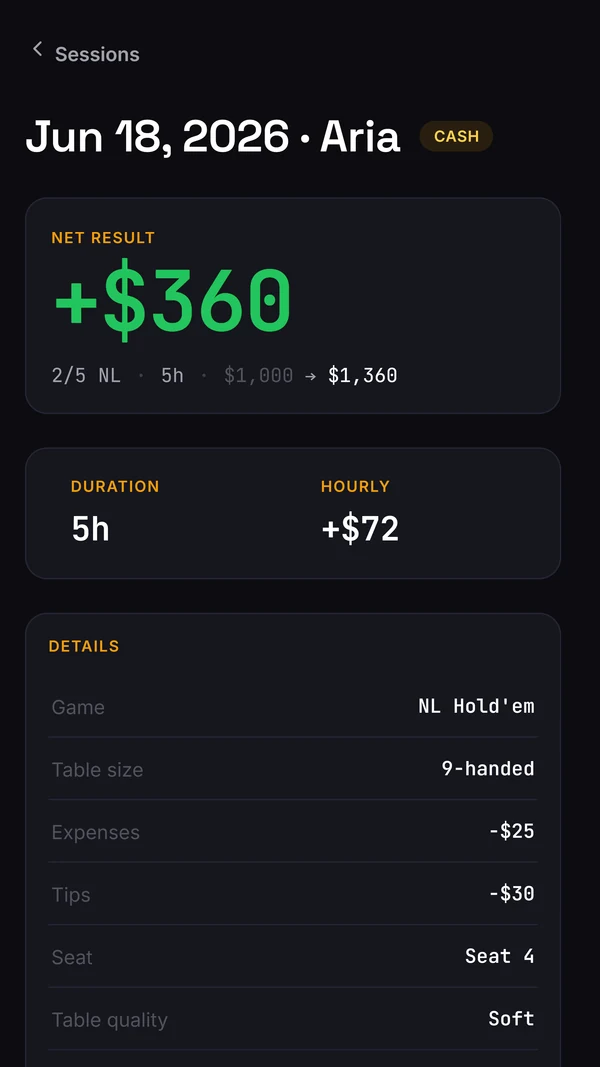
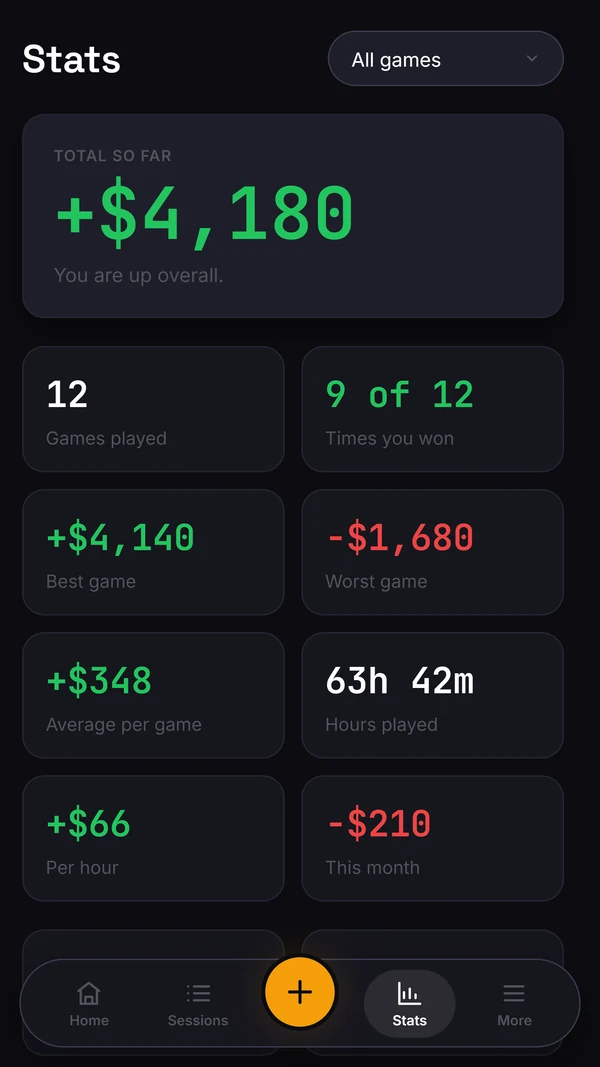

Install path by platform
On Android, get Overshove from Google Play. On iPhone and desktop, open the web app. The earlier Windows installer is retired, so use a desktop browser for the current product.
The important rule is one account. Do not build separate samples on different devices. Log the session where it happens, then review the same data on the bigger screen when the session is done.
Use the desktop browser for the larger Sessions, Log and Stats views and for the export controls. In-app study and variance intelligence are still in development.
If you have an old spreadsheet, keep the original. Test a small batch with the session import and compare its count, hours and results before trusting a larger migration.
Web
No install. Works in any browser, great on a phone. The fastest way to start logging today.
Open web appAndroid
Get Overshove on Google Play. Track your sessions, bankroll and hours with the same account you use on the web.
Get it on Google PlayDesktop browser
Open the current web app in a desktop browser with the same account you use on your phone. The older Windows installer is retired.
Open web appAvailable on Google Play in the UK, US, Canada, Australia, Ireland and New Zealand. If the store does not offer installation for your device or country, use the web app.
Real-time sync
Log a session on your phone and it is on your desktop before you get home.
One account
Same login everywhere. Your bankrolls, sessions and notes follow you.
Export controls
Session CSV and bankroll export controls are available in the web account settings. Check the exported fields before relying on a migration.