Your past sessions matter when you change trackers. The current app offers a session spreadsheet import plus session CSV and bankroll export under Account > Import & export. We have not verified that every old tracker format, column or bankroll history migrates without adjustment.
Keep the original file, try the session import and check the resulting sessions before relying on totals or hourly figures. Column mapping and migration fidelity vary by source and have not been independently verified.
From a spreadsheet or old tracker
The app presents a session spreadsheet import. Check the accepted template or file instructions in the app before assuming an older tracker export will work unchanged.
Take data back out
Account > Import & export offers session CSV export and bankroll export. Check the exported files for the fields you need.
What you get
→Session spreadsheet import is visible in the current app.
→Compatibility with old tracker files is not guaranteed.
→Check imported rows and totals against the source.
→Session CSV and bankroll export are available.
How this fits the review loop
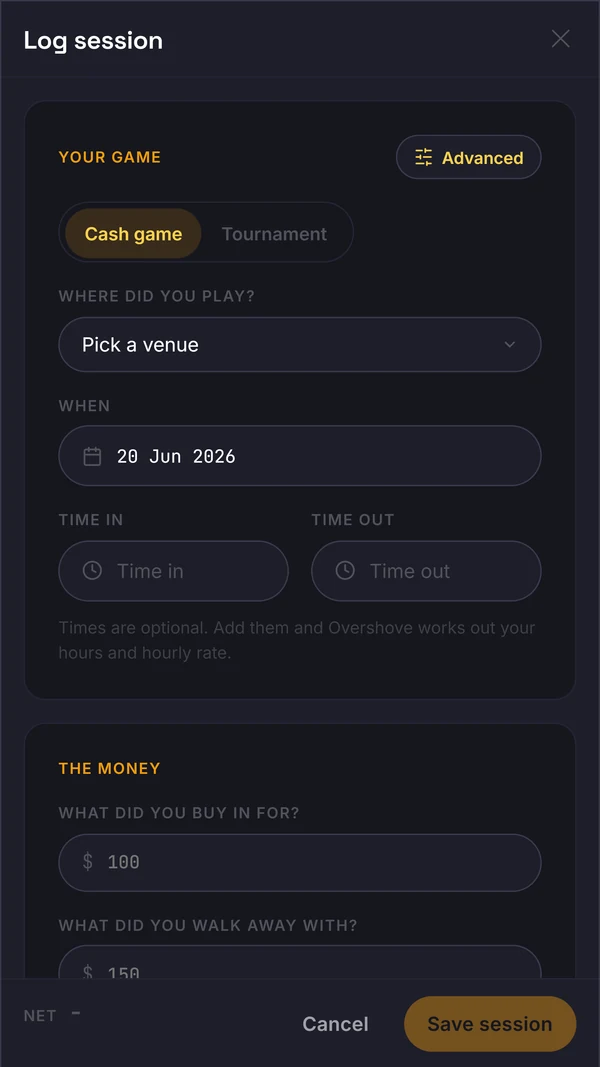
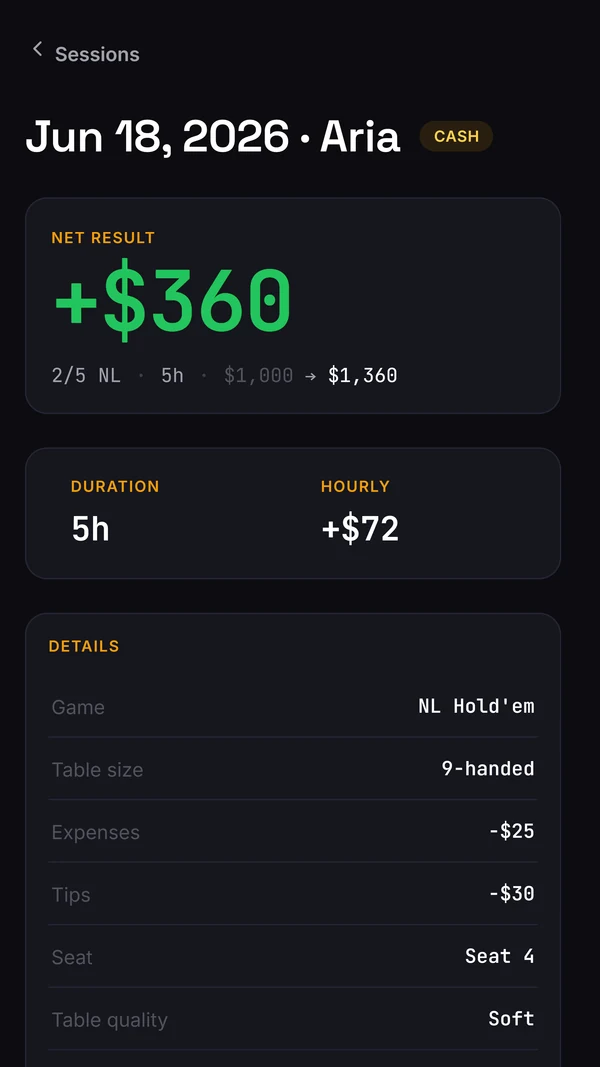
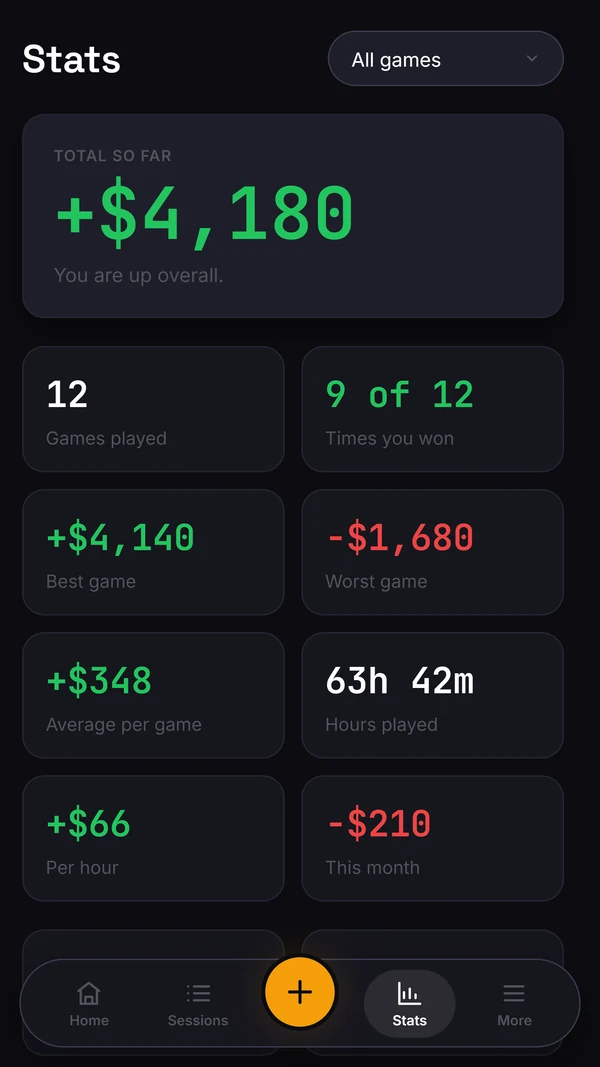
Start with a complete session record, then check the figures against the money and time you recorded. Results can identify a question for review; they do not grade an individual hand. Use your existing study method for that work while the dedicated Study and player-read workflows are in development.
Questions
What format do I need?
Check the session spreadsheet import instructions inside Account > Import & export. Do not assume that a CSV from another tracker will match without changes.
Will I lose my history switching?
Keep your original export and verify the imported session count, dates and totals before replacing your old record. Full migration fidelity has not been established.